Setup Button

The setup button is an important gateway to making calculators tailored to your needs. Also, when the app needs your attention, such as to let you know of an update or bug fix, the button will display a small alert badge.
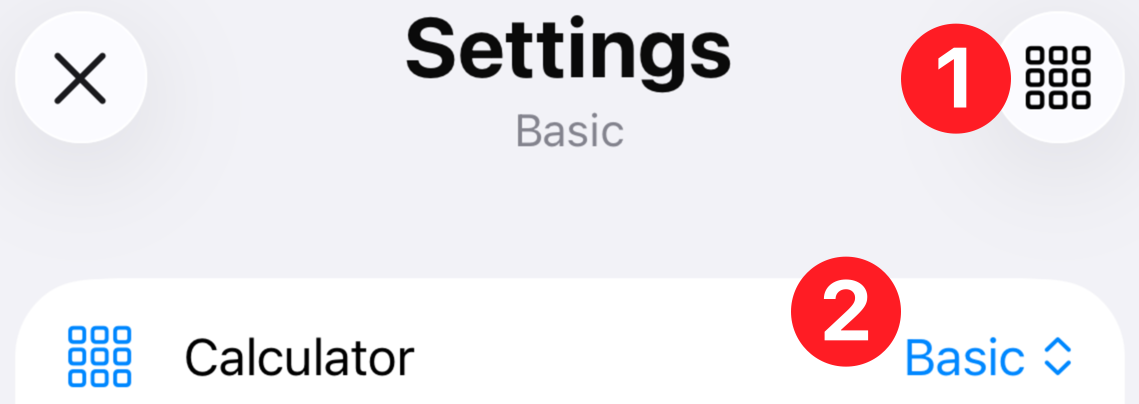
The Calculator row  lets you select and activate a custom calculator. You can switch calculators at any time.
Nearly every option can be configured and automatically saved as your own. You will find that building calculators suited to certain tasks is easy and extremely useful. For example, you can build a calculator configured for train layouts, another for tabletop gaming, and yet another for civil engineering work.
Tap the grid icon  to display options for creating and maintaining your calculators. Note that it's best to create a new calculator before making edits because all of your changes are saved automatically. If you delete a calculator, it is permanently erased.
Scale-o-Tron ships with three built-in calculators: "Basic", "Functional" and "Deluxe". You can delete, rename or customize these as you see fit.
Learn more about each setup option: