Result Display
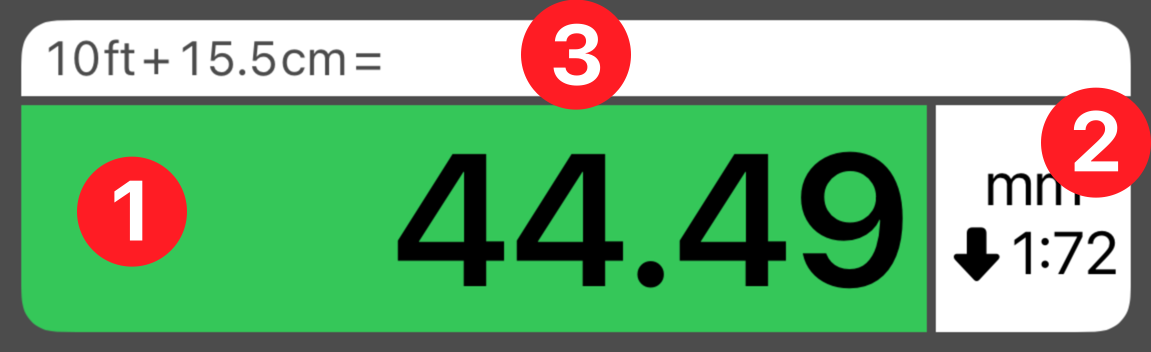
 Result Field
 Scale and Unit
 Expression Field
The result display is green when a conversion or calculation is complete. You can control the formatting and resolution of values in the Accuracy screen, found in Setup.
The unit and scale of the value is displayed in section . Notice that the unit and scale match the active green buttons in the calculator.
The top row displays the original value or expression you entered. When you start a new conversion or clear the display, these results will be transferred to the History Tape.
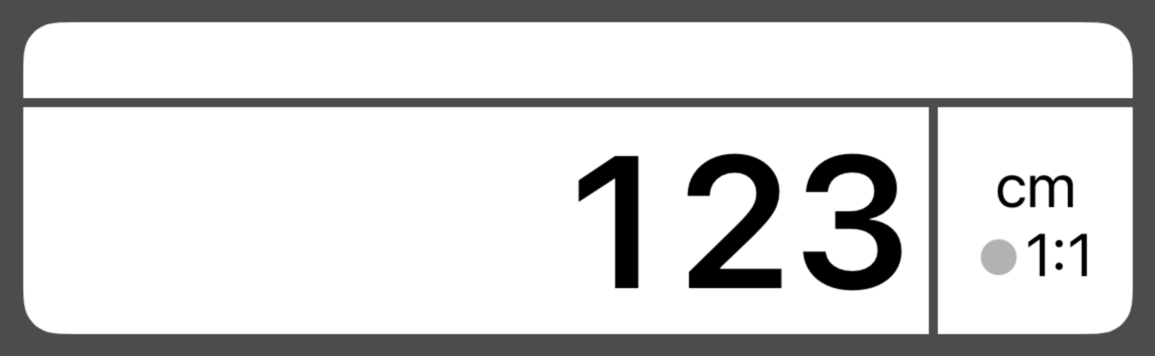
During data entry, the display area will act as your editing area, just like a typical calculator. The unit and scale of the value will match the active gray buttons, but the scale direction indicator will be neutral. When working with fractions, the editing area will be divided into fields for whole numbers, numerators and denominators.
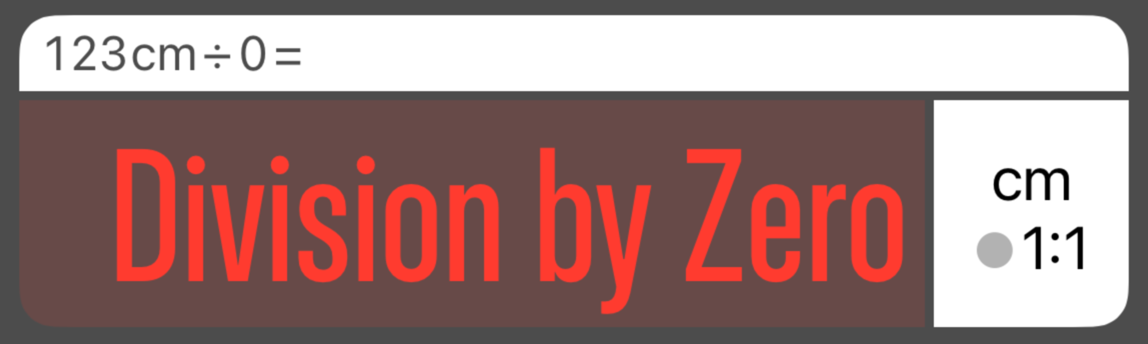
If you trigger a calculation error, the screen can be reset with the C or AC button.