Setup: Units
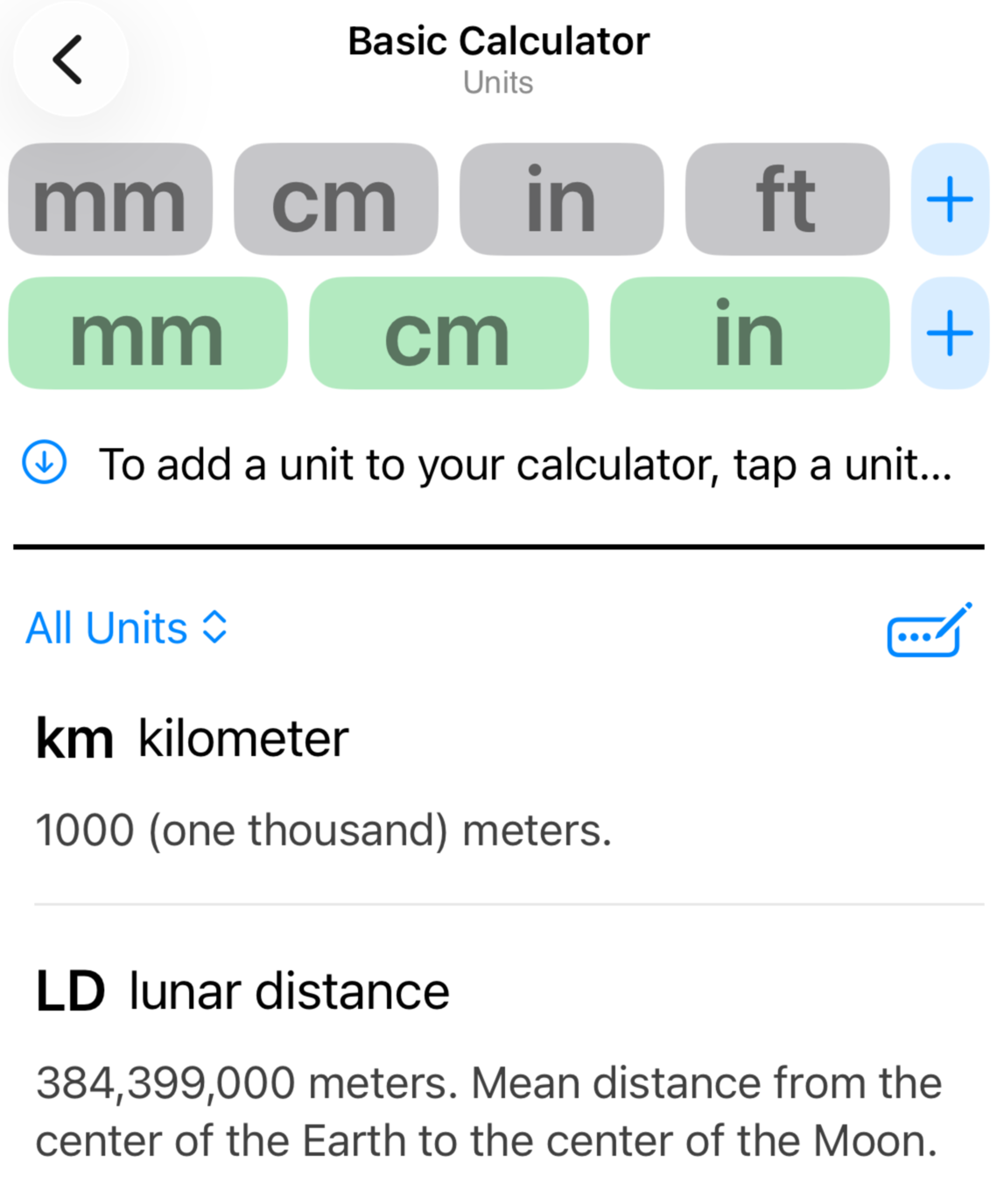
The Units management screen inherits many of the functions found in the Scales section. Please see the Scales management page to learn how to add, update and remove unit buttons in your calculator.
The standard filter options for units are limited to imperial and metric categories. If you mark units as favorites, the unit list will automatically filter for those on your next visit to this screen.
Notice that the unit list contains many archaic and obsolete units. These are provided because scale modeling opportunities may make references to these units. You are encouraged to mark your favorite units to avoid list clutter.
New in Version 2.1: You can now create your own custom units.
Select “Create a Custom Unit” from the unit menu. Provide abbreviated and full names for your unit, along with a value that represents the length of the unit relative to another unit. Notice that you have several options to use as your base unit reference.
Once your unit is created, you can use it just like any of the built-in units. You can even overwrite an existing unit with your own, but it is recommended to use that option sparingly to help avoid confusion.